
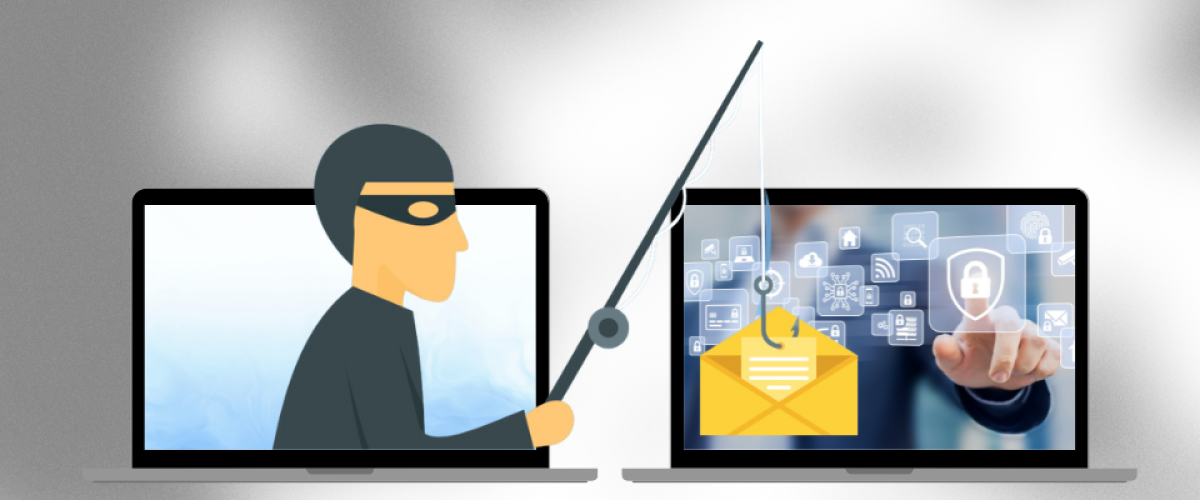
Facebook has become an integral part of our everyday lives in business as well, which is why it’s not only annoying when phishers target us, but also extremely dangerous if they manage to steal corporate or bank card data. What exactly is phishing and how do scammers deceive thousands of users across social media platforms? At the end of the article, we’ll also reveal how you can protect your account!
What You Should Know About Social Media Scams and How to Defend Yourself
Phishers are remarkably innovative, always able to come up with new ideas on how to most effectively get their hands on user data. Who are they and what purpose do they have when targeting social media users?
A New Message Arrived – Or the Latest Facebook Scam
Without suspecting anything, you browse Facebook, going about your daily tasks, and suddenly your Messenger alerts you to a message from “Ad Support Pro” or some other unexpected sender. This alone is not very reassuring, as the question arises: why would Facebook send you a message?
Are you familiar with the messages below or similar ones? Not just you, thousands of business Facebook accounts receive multiple Messenger messages daily.
7 Things You Should Do to Protect Your Facebook Account
How can you protect your account with complete certainty? There are many ways to keep your business Facebook account secure. For this reason, we’ve compiled a short list that’s worth going through if you haven’t already taken these steps.
- Set up two-factor authentication
- Make your password strong, containing special characters, numbers, lowercase and uppercase letters
- Don’t download files or software, and don’t click on links from people you don’t know
- Use reliable antivirus software and keep it up to date
- Turn on login alerts so you’re notified if someone tries to access your account
- Turn on the “Business Notifications” feature so you’re informed about all changes within your Meta Business Manager account
- Before trouble occurs, it’s worth reporting the phishing messages you receive daily to phish@fb.com for Facebook, helping them with their work